
Windows is stealing frames. Take them back.
Kill background load, junk services, and bad Windows defaults. Revert anytime.
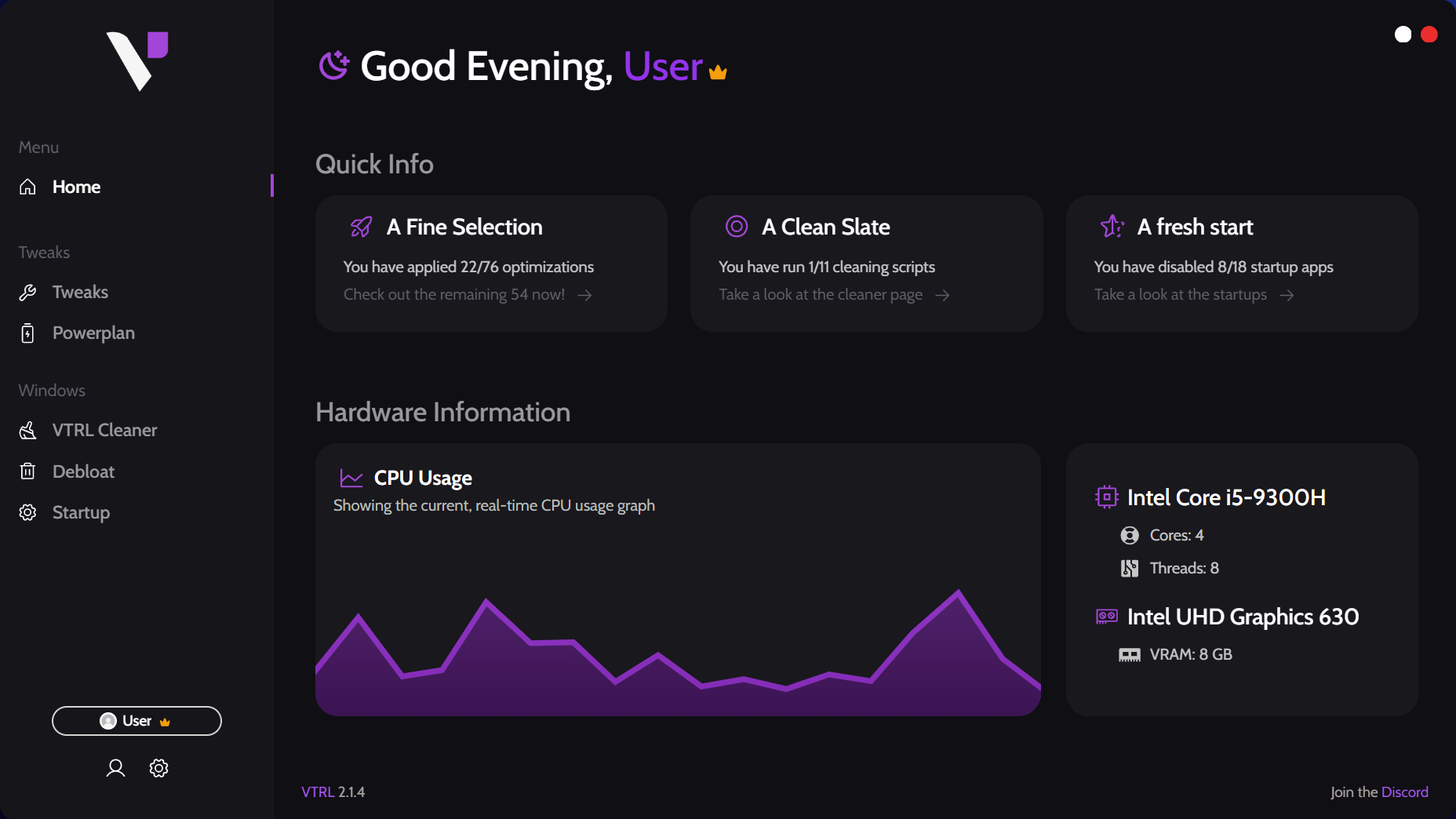
550,617
downloads
100+
tweaks and scripts
$0
to start
Stock vs tuned
An illustrative before-and-after. Hardware, games, and the tweaks you apply will change the result.
Stock Windows
74 FPS
Recommended tweaks
118 FPS
Input lag
0 ms
Startup load
0 apps
Network queue
0%
Inside VTRL
Six modules, each with one job: background load, power, network, startup, and Windows apps.
Every tweak is tagged by risk. Recommended fits most PCs. Advanced and Discretionary assume you already know what you're changing.
Main Tweaks
Change registry, service, memory, GPU, latency, and Windows behavior settings. The tag tells you how careful to be before you run it.
Powerplan
Choose a desktop, laptop, or custom power profile that fits your machine.
App Booster
Pick a game and VTRL applies process-level tuning for as long as it runs.
Network
Tune TCP, DNS, adapter, and bufferbloat settings. Premium includes the full network scripts.
Cleaner and Startup
Clean leftover files and stop startup apps without digging through Windows Settings.
Debloat
Remove selected Windows apps, or reinstall them later if you need them back.
First run
Install VTRL
Install VTRL and create the restore point before you run tweaks.
Read the tag
Start with Recommended and check the tag on anything else before you apply it.
Apply and reboot
Run only the changes you want. Reboot when VTRL shows the restart banner.
Lite and Premium
VTRL Lite
The core tweak set.
- Main Tweaks
- Cleaner, Debloat, Startup
- Community Discord support
VTRL Premium
Everything in Lite, plus the deeper tweak set and priority help.
Estimated for United States. Local price shown at checkout.
- Free features included
- Premium tweak set
- Network Tweaks and Scripts
- Priority support
Premium pays for updates and support, so VTRL can stay independent with no ads and no selling user data.